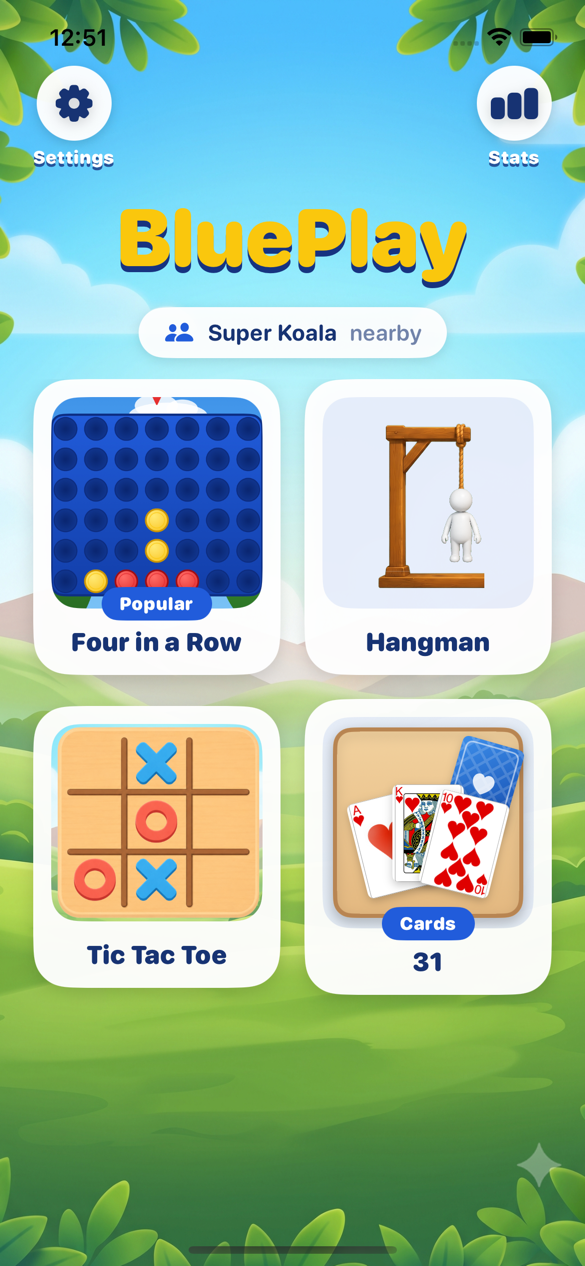
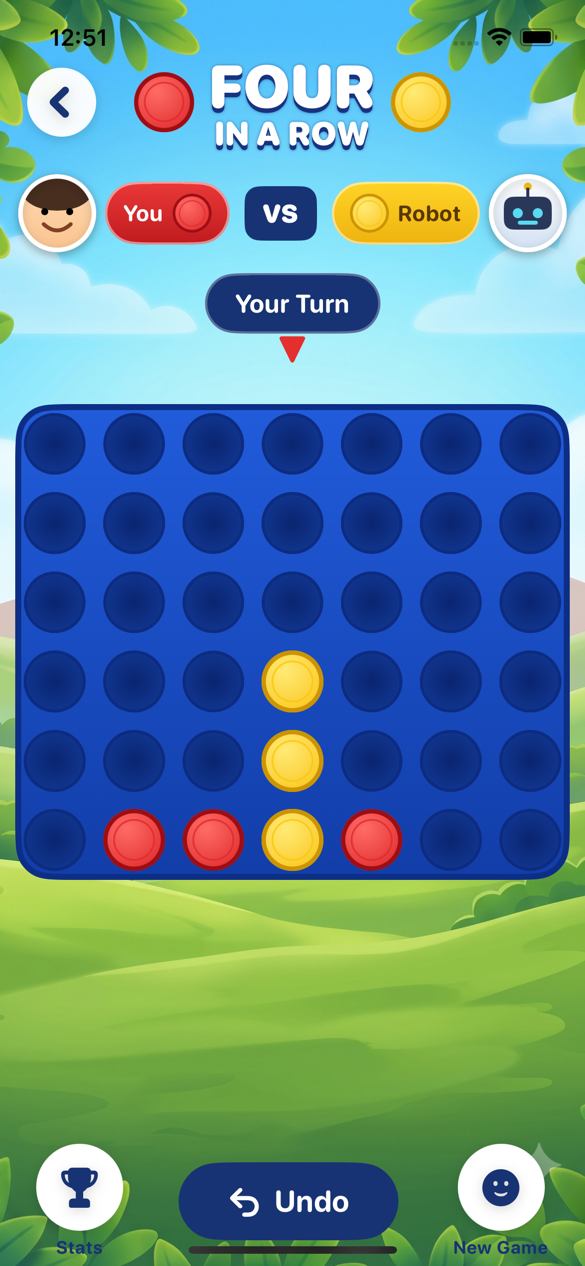
Four in a Row
Drop discs, block your opponent, and connect four. Play against a nearby friend or a robot.
Nearby games for iPhones
No accounts. No ads. No internet lobby. Just colorful nearby games for families, friends, and anyone who wants to play together at home, on an airplane, during road trips, or while waiting at a restaurant.
Play your way
Drop discs, block your opponent, and connect four. Play against a nearby friend or a robot.
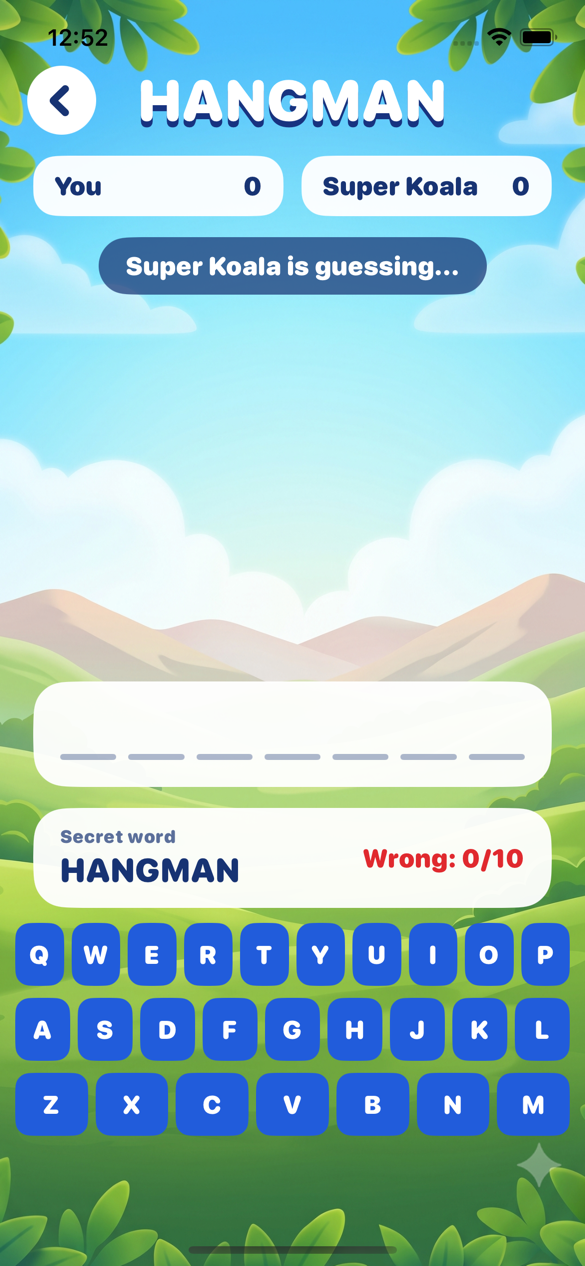
One player enters a secret word while the other guesses letters. Nearby devices keep both players in sync.
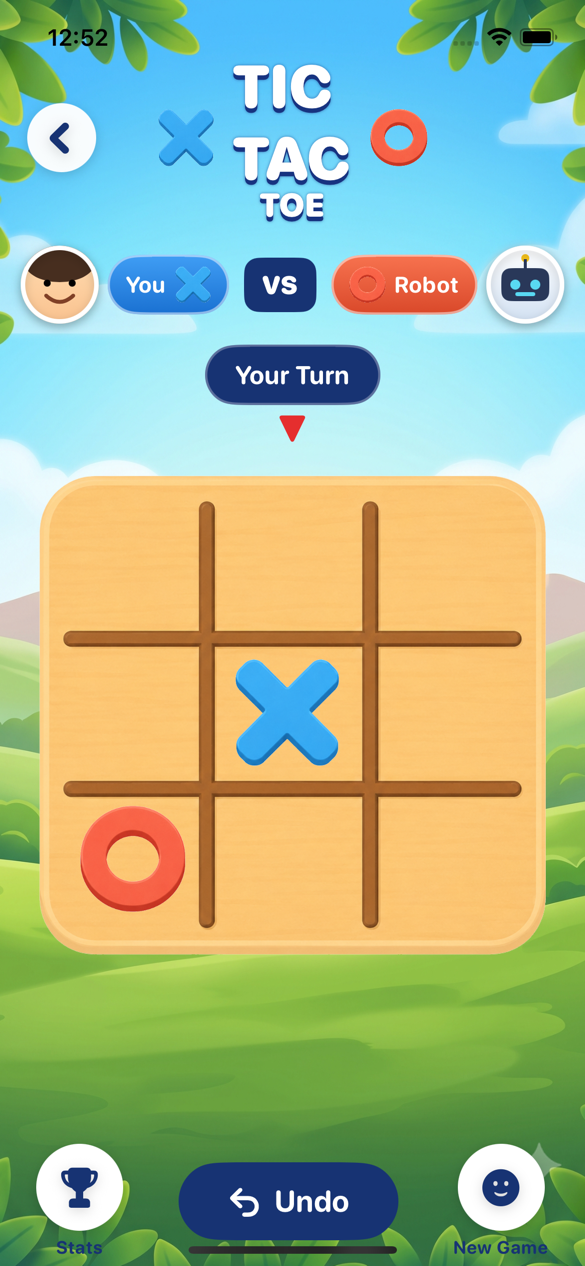
A fast classic with simple turns, clear results, and robot or nearby play.
Some games support multiplayer tables up to four players. More games and multiplayer options will be added later.
Nearby Play
BluePlay automatically looks for other devices running the app nearby. It uses Apple's local networking technology, including peer-to-peer Wi-Fi and Bluetooth discovery, so players can connect while sitting together.
When one nearby friend is found, starting a game can connect directly. With multiple friends nearby, players can choose who to invite. During table games, connected friends can join the same game, with robots filling any open seats when needed.
For families
BluePlay supports Apple Family Sharing. When your family uses Purchase Sharing, one copy can be shared with family members so the game can be downloaded on multiple family devices without buying it again for each device.
Privacy & trust
BluePlay is designed as a paid game collection. Players do not need to create a profile, sign in, or join an online service to play nearby games.
Nearby play is for people around you. BluePlay does not include in-app messaging or matchmaking with strangers.
BluePlay uses Apple's local networking features so nearby devices running the app can find each other. iOS may ask for Local Network permission for this feature.
Game settings, player names, avatars, and local stats may be stored on the device so BluePlay can remember preferences and match history.
Support
Need help? Contact BluePlay support through the support email listed on the App Store product page. Include the device model, iOS version, and what happened when both devices tried to connect.
No. BluePlay supports Apple Family Sharing. If your Apple family group uses Purchase Sharing, one purchase can be downloaded by family members on their own devices.
BluePlay uses Apple's local device discovery. Nearby iPhones running the app advertise and browse at the same time, then connect over local networking such as peer-to-peer Wi-Fi and Bluetooth discovery.
No, not always. BluePlay works best when devices are nearby with Wi-Fi and Bluetooth turned on. The same Wi-Fi network can improve reliability, but nearby devices may also connect through Apple's peer-to-peer local networking.
No. Nearby multiplayer is designed for devices in the same room and does not require a BluePlay account or online matchmaking.
Yes. BluePlay is made for nearby play in places like airplanes, road trips, restaurants, waiting rooms, meetups, and family visits. Keep the devices close together with Wi-Fi and Bluetooth turned on. If a location's network makes discovery unreliable, using the same Wi-Fi network can help.
No. BluePlay is designed for nearby play with people around you. It does not include ads, in-app chat, or public matchmaking with strangers.
iOS requires permission before apps can discover nearby devices on the local network. BluePlay needs this permission so nearby phones can see each other and start games together.
Several games are two-player today. Some games, including 31, support multiplayer tables up to four total players, with robot seats available where the game supports them.
Open BluePlay on both devices, keep them nearby, confirm Local Network permission is enabled in iOS Settings, and make sure Bluetooth and Wi-Fi are turned on. If needed, put both devices on the same Wi-Fi network, then close and reopen the app on both devices.